

Auto-Save
(On trust, loss, and the quiet safety nets we forget are there)
Every editor has a story about the crash.
The one project that disappeared without warning, the sequence that froze mid-render, the moment you felt your heart stop because the timeline went blank.
That’s how you learn about Auto-Save.
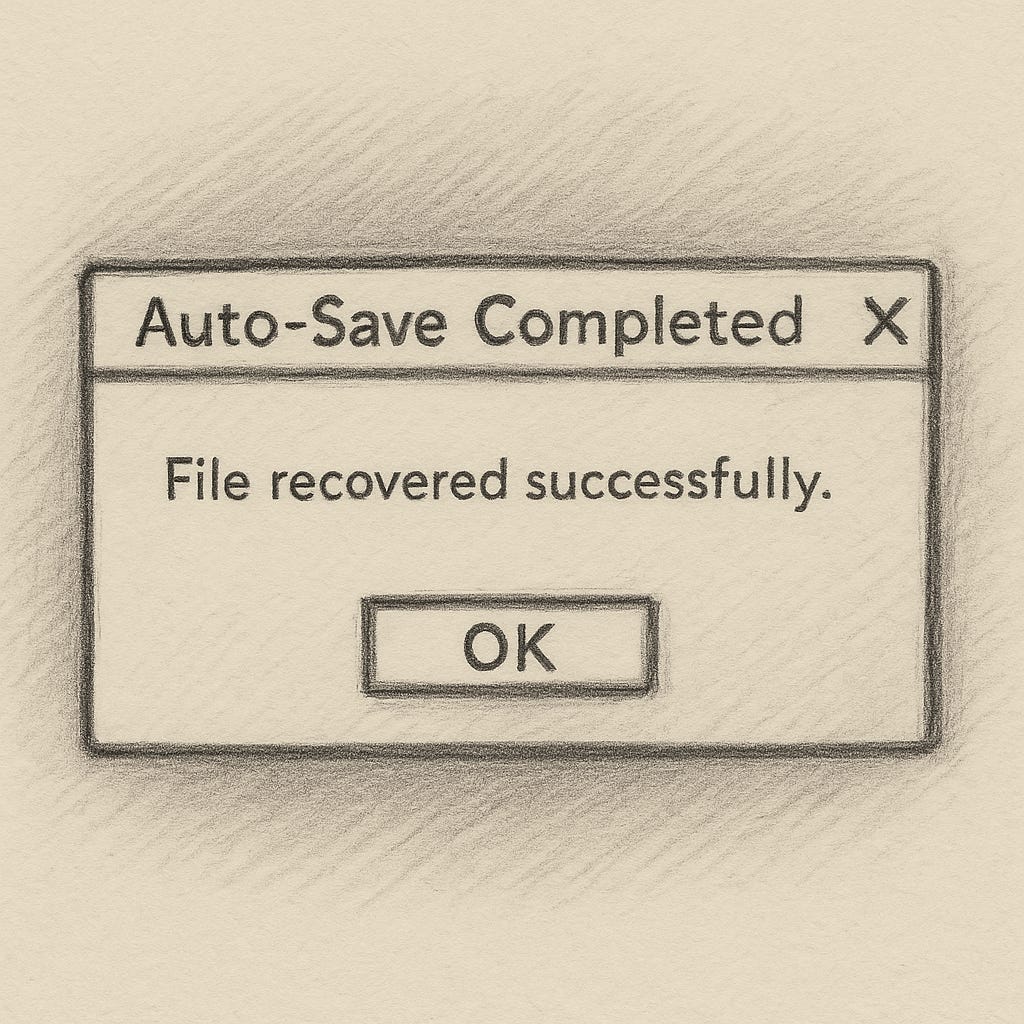
Not in a tutorial. In panic.
You open the project folder, hands shaking, and there it is: a tiny file with a timestamp.
The silent witness. The unseen copy.
The version that saved you when you didn’t even know you needed saving.
The thing about Auto-Save is that it’s invisible when it works.
It hums in the background, taking quiet snapshots of your progress while you move forward. You forget it exists until you lose something. And that’s the strange beauty of it: it’s designed to protect you from your own chaos.
But it’s not perfect.
Sometimes you lose a few minutes. A few edits. A few good ideas that will never return exactly the same way.
And yet, when you rebuild, it’s faster.
You remember the choices you made. You find better ones.
Re-doing isn’t wasted effort, it’s refinement.
Life has its own Auto-Saves.
The people who show up at the right moment.
The habits that hold you steady when everything else collapses.
The small notes, backups, and rituals that don’t seem to matter—until they do.
You don’t always notice them, but they’re there.
A call you didn’t expect. A walk that clears your mind. A child’s laugh that resets everything you thought was important.
These are the hidden copies of yourself you can return to when things go wrong.
Maybe Auto-Save isn’t really about files.
Maybe it’s about trust. The kind that lets you keep working without constant fear of losing everything.
The kind that allows mistakes, crashes, and restarts—because something in you knows you’ll recover.
And when the next crash comes—and it will—just pick up from where you last saved.
You might even make it better this time.
Life, edited.
Below the Fold
Practical Auto-Save Tips
Auto-Save is one of those things you only think about after you’ve lost something. Don’t wait for that day.
Here are a few habits that have saved me more than once:
Keep intervals short. Set Auto-Save to every 5 minutes, not 15. You’ll barely notice the pause, but you’ll thank yourself later.
Use versioning. Don’t overwrite your last save—stack them. A project called Client_Project_v023 might look obsessive, but it’s peace of mind.
Save to a synced folder. Dropbox, Google Drive, or any cloud that keeps older file versions. If your drive dies, your work doesn’t.
Mirror locally. External SSDs are cheap insurance. Keep one plugged in and use automatic backup tools so you don’t have to remember.
Label clearly. “AutoSave” isn’t helpful when panic hits. Add date or time tags, like 2025_11_05_1430.prproj.
Test recovery once. Open an old Auto-Save file just to see where it’s stored and how it behaves. Better to learn calmly than in crisis.
Editing teaches you to prepare for crashes, not fear them.
If you build good habits now, you’ll always have somewhere to pick up from.
If this sparked something, share it with someone who needs a little reminder to hit save.